
10 free quality video resources for teachers
 Lucie Renard —
Struggling to find free educational videos and classroom video lessons that actually help your students learn? The internet is a goldmine of digital learning videos, but with so much clutter, finding high-quality, engaging content can be overwhelming.
Using videos effectively can boost student engagement, support understanding, and make lessons more interactive, but only if you choose the right resources and structure your activities thoughtfully.
In this blog post, we cover:
The activities in this post are created with BookWidgets, a tool for creating lessons and tracking student learning. You can make a free copy by creating a BookWidgets account or access the group folder. Duplicate the activities, adjust instructions or settings, share with your students, and track their results to provide feedback.
The 10 best video websites for teachers
Ready to explore? Here are 10 top websites full of free educational videos to bring your lessons to life. Let’s jump in!
1. BBC Bitesize
 Choose videos and lessons for different subjects in Primary or secondary education. The BBC has released handy and beautiful bitesize video materials, teachers can use in their classroom. All the free educational videos (and lessons!) are classified in levels and by topic. This is quite a discovery!
2. TED-Ed
 TED‑Ed features high‑quality animated videos that explain concepts across subjects. You can search by subject, or you can browse for a video around your topic. Mostly, all videos explain concepts. Students can also make a quiz, after watching the video and dig deeper into the learning material so they can find additional resources. They can also discuss the video with peers on an online forum. TED-Ed has some amazing series as well. Here, you'll be able to find a large amount of educational videos for students, concerning the same topic, like "Our changing climate".
3. Khan academy
 Khan academy started out with its famous YouTube videos. Now, you can just go to their website and search for a free learning video about the topic you want to teach. Choose between subjects like Math, Science & Engineering, Computing, Arts & Humanities and Economics & Finance. By signing up, you can create a classroom, and invite your students to take some video lessons and to take a quiz afterwards. You can even follow your students' progress as well.
4. National Geographic Education
 National geographic is known for its majestic documentaries and its colourful magazines. So how amazing is it that they give teachers the right resources as well?! The National Geographic Website includes ready to use lessons with explanations, images, and free video material.
5. Storyline Online
 Storyline Online is a website where famous actors read children’s books aloud. Each story comes with engaging illustrations and sometimes even lesson ideas, making it perfect for teachers and parents. You can watch the videos online for free, helping kids improve their reading, listening, and comprehension skills while enjoying entertaining stories.
6. Google Video's
 Google is most known to search for internet pages, websites, articles, etc. However, you can also look for images and, probably lesser known, videos: just type in a video keyword and start browsing. You'll find a lot of free videos to use in your classroom.
7. Free documentaries
 The truth is free. Freedocumentaries.org makes it easy to access thought-provoking, educational, and entertaining documentaries for anyone with a high-speed internet connection. They believe that the mainstream media increasingly practices self-censorship, and that it ignores many opinions and historical events. With the media distorting or ignoring information, it’s often very hard to get an accurate picture of a problem, even while watching the news. Teaching a much discussed or provoking topic? Look for a documentary to go with it. These videos are perfect for deep-dive lessons, critical thinking exercises, and classroom discussions.
8. Teachertube
 TeacherTube is a community where educators upload classroom‑friendly videos on a range of academic topics. Search by subject to find student‑appropriate videos created by fellow teachers.
9. How stuff works
 Want to teach your students how things work? Browse HowStuffWorks and find the video that fits your lesson. Their short, clear explanatory videos make it easy for students to understand complex concepts and everyday phenomena.
10. History
 Looking for a good video about history? This website has a lot of them! Search by topic and get started. Everything you need to teach your students about history is right here. Curious what happened this very day in history? Go to the tab "This day in history", and start every lesson with a video of this day in the past.
3 Engaging Video Activities to Keep Students Focused
These three interactive video activities help you engage students and make learning more active. Each activity uses a different video from one of the websites mentioned above, with questions and tasks that encourage participation, reflection, and critical thinking.
1. Boost Student Participation with a Video Quiz
Turn watching a video into an active learning experience! For this activity, we used a video from TED-Ed in our Video Quiz widget. This widget is designed to help students stay attentive, with questions appearing at key points to check their understanding as they watch.

💡Pro Tip! If you’d like to learn more about the Video Quiz widget, check out this blog post where we share 10+ powerful ways to use interactive video quizzes in your classroom.
2. Explore the Story Carla’s Glasses with a Guided WebQuest
This WebQuest is a complete lesson gathered in one large BookWidgets activity, with smaller interactive widgets inside, making it easy for students to work independently and a great option for homework. It is structured so students know exactly what is expected, with sections for introduction, before viewing, during viewing, and after viewing. Clear instructions, interactive tasks, and reflection prompts help students stay focused and engage deeply with the story.
We created this WebQuest to show an example of how you can use Storyline Online resources in your classroom. In this activity, we use their video about Carla’s Glasses, and the tasks are inspired by their Teacher’s Guide.
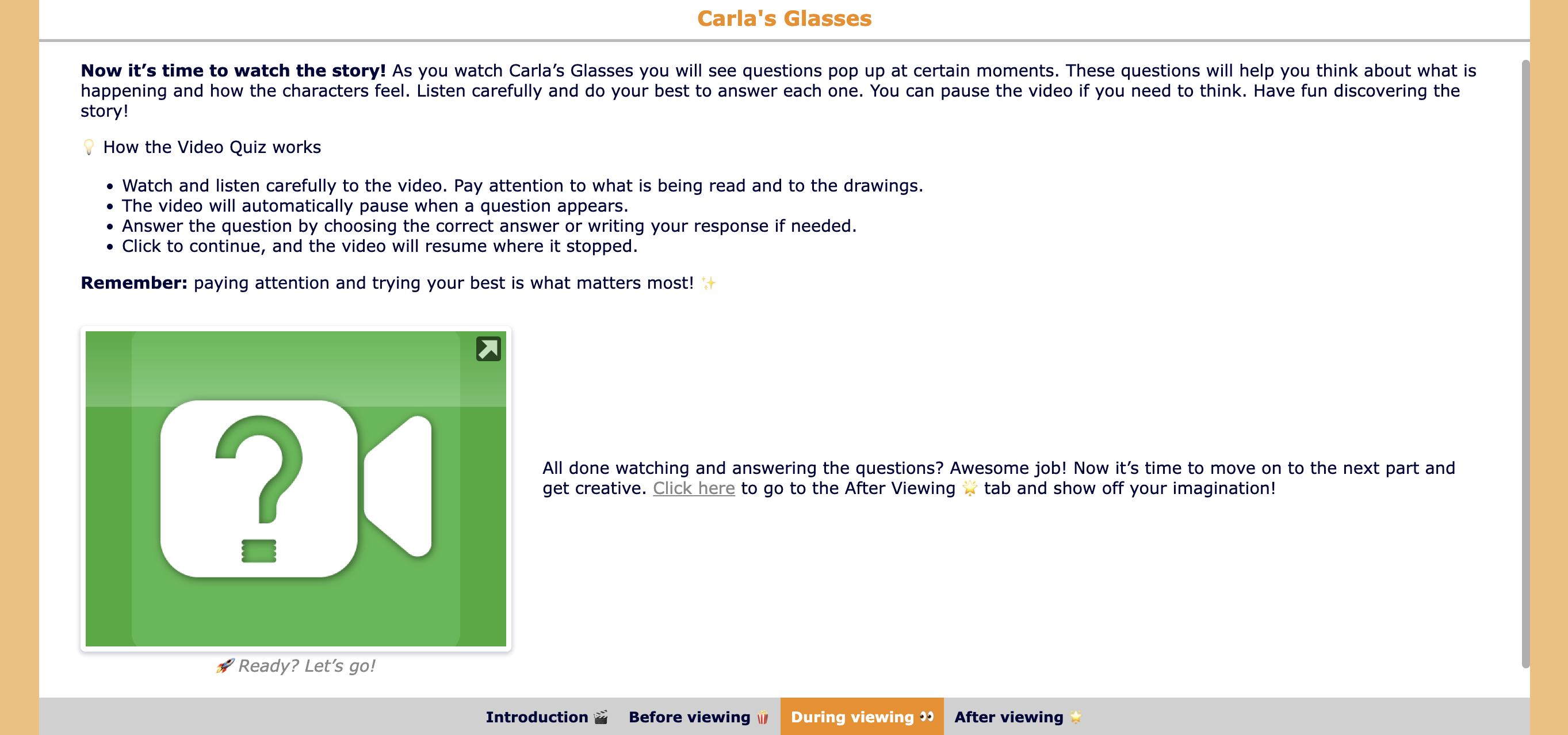
💡Pro Tip! Want to create your own engaging digital lessons with the WebQuest widget? Check out our free webinar recording, where you’ll see step-by-step how to build a complete interactive lesson, get inspired by examples, and discover extra tips and tricks to guide your students effectively.
3. Engage Students with Interactive Video-Based Learning
Turn a simple video into an interactive learning activity. Your students don’t just watch, they think, respond, and reflect as questions appear at key moments. With 37 different question types, you can easily create questions that keep students focused and support deeper understanding.

💡 Pro Tip! Did you know you can control which video features your students can use? In the General tab under Video Controls, you can choose whether students can skip forward or backward and even allow them to modify the playback speed. This helps you tailor the viewing experience to your lesson goals and keep students focused.
Wrap Up
We hope these 10 free video resources and the three interactive activities inspire new ideas and fresh ways to engage your students.
There is even more video material for your classroom to explore. In another blog post we share 30 YouTube channels full of educational videos that can provide even more inspiration and help you find the perfect content to complement your lessons.
By combining high-quality resources with interactive activities, you can create lessons that are not only informative but also truly engaging for your students.
✔️ Keep exploring and stay connected with BookWidgets by following us on Instagram, BlueSky, and LinkedIn, or join our teacher community on Facebook!


